Zoom Lessons
Here's what you need to know before your Zoom lesson:
- You need to adjust your sound settings to turn off the noise suppression filters.
- With every lesson, you must Enable the Original Sound.
- Because of the time delay with online lessons, you play your music on a separate device during your lessons.
Watch my Video on How to Prepare for Your Online Singing Lessons!
Online Lessons FAQ
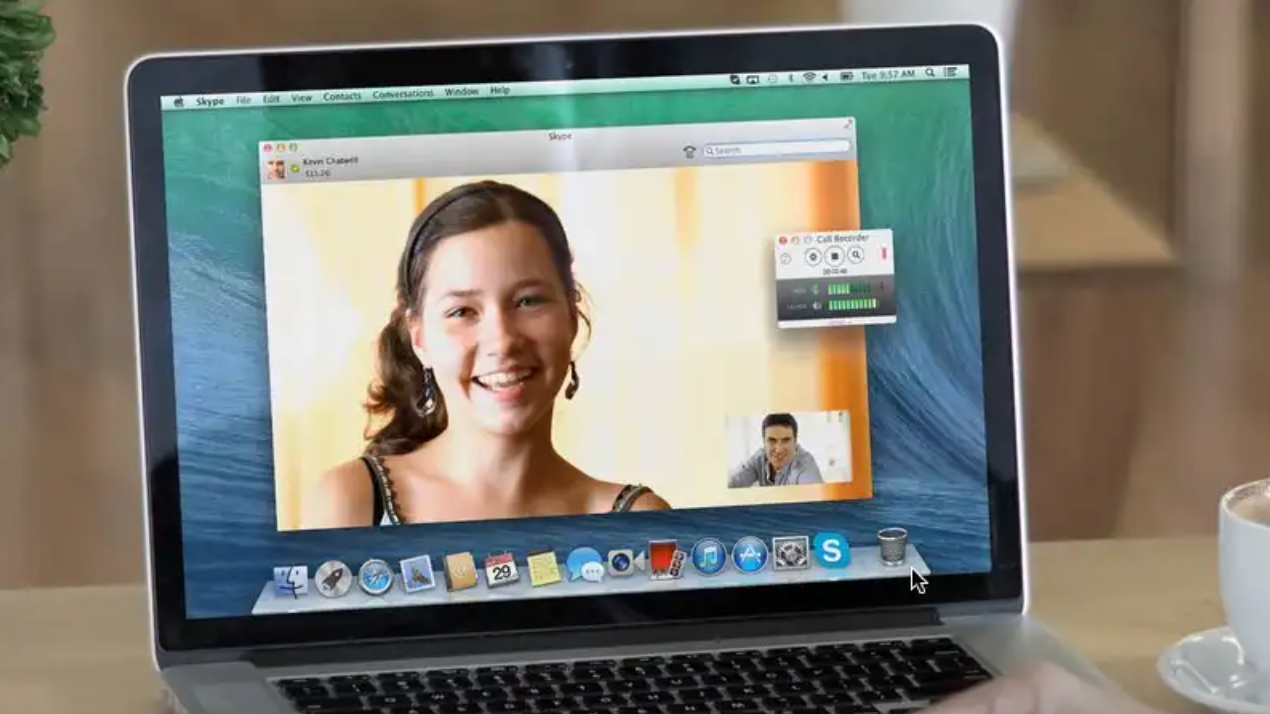
While in person lessons are preferred, it's amazing how effective online coaching can be! All you need is a good internet connection and a decent sense of pitch, and you can have a great singing lesson from the comfort of your own home.
- The biggest difference between online lessons and in-person lessons is the slight time delay over the internet. Because of the time delay, I can't play vocal scales real time with you. Instead, I will demonstrate what I want you to do and then give you a starting pitch. Then you will sing the scale acapella (without me playing with you) on your end. For most people with a decent sense of pitch, this works great! If you really struggle with a sense of pitch, online lessons will be more difficult for you and in person lessons might be a better choice.
- If you would like a preview of what vocal scales we will be doing before our first lesson, I can send those to you.
- Also because of the time delay, you will be responsible for playing the music that you will sing along with. That might be a separate device that can play music from YouTube, Spotify, Apple Music, etc.
- If you're proficient in playing a musical instrument like piano or guitar, that works great as well! Come to your lesson prepared with the right setup and your instrument tuned up.
- Good Internet Connection
- A computer or device to have your lesson on
- It helps to have a separate device to play your music from to sing along with
- It also helps to have a lyric sheet in front of you to take notes on when we're working on songs
- Music Speed Changer App or Google Chrome Extension.
Watch my video on downloading and using the MUSIC SPEED CHANGER App for FREE!